The whole property,
walked through.
Paste a listing link or drop in the photos. Roomwalk works out how the rooms join, then films one continuous walk through them, as if someone carried a gimbal from the front door to the last room. For homes for sale, rentals, short stays and hotels.
Give it a link. Or give it the photos.
Either way you do one thing and the rest is automatic: the rooms are found, put in walking order and filmed.
Paste the listing link.
If the property is already listed online, that page has everything. Roomwalk takes it from there:
- Every photo
- The title and the place
- Bedrooms, beds and bathrooms
- The full amenity list
Upload the photos.
Not listed yet, or listed somewhere else. A house for sale, a flat to let, a hotel room.
- Drop in the photos, ten or more is best
- Tick what the property has
- Add anything you want mentioned
It opens the page and takes every photo.
2 bedroom near Central Park
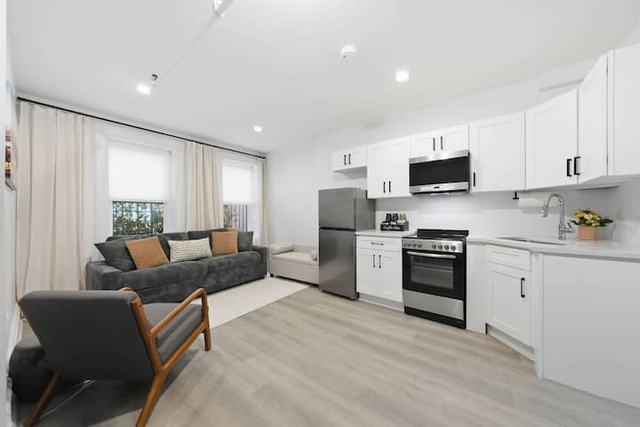
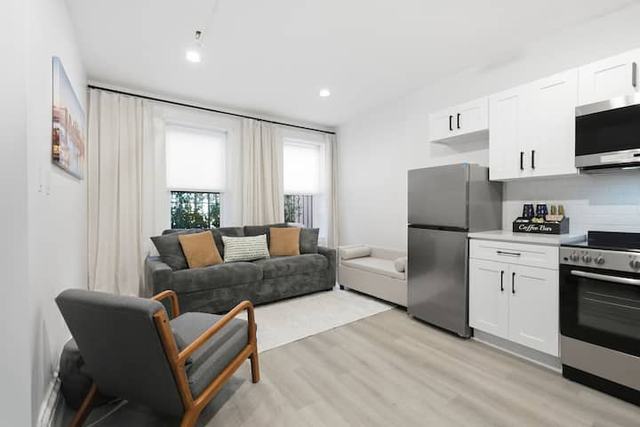
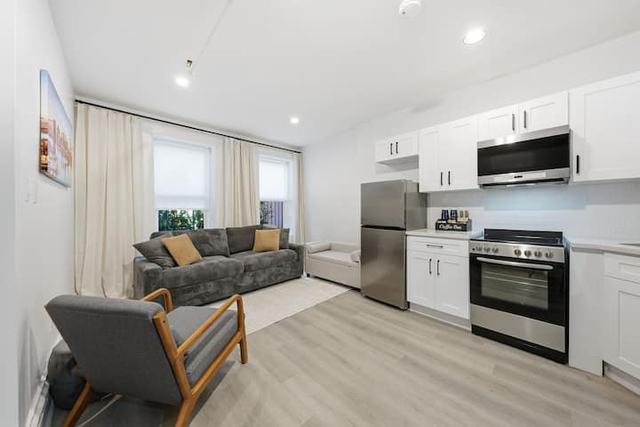
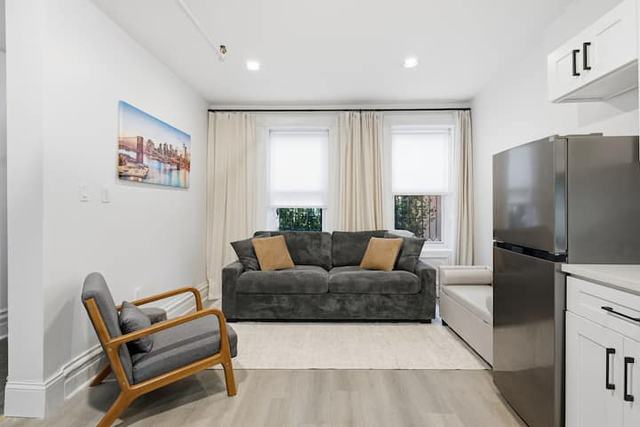
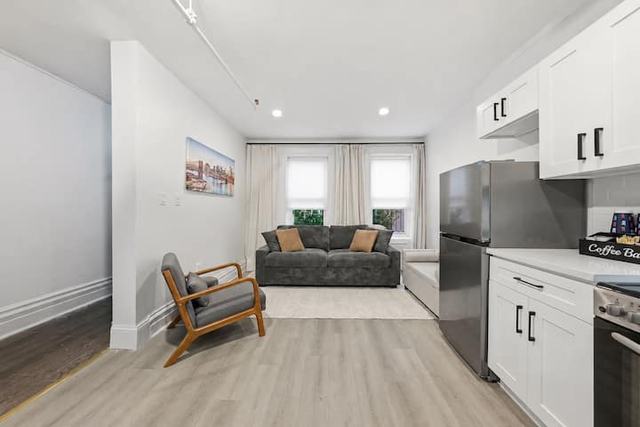
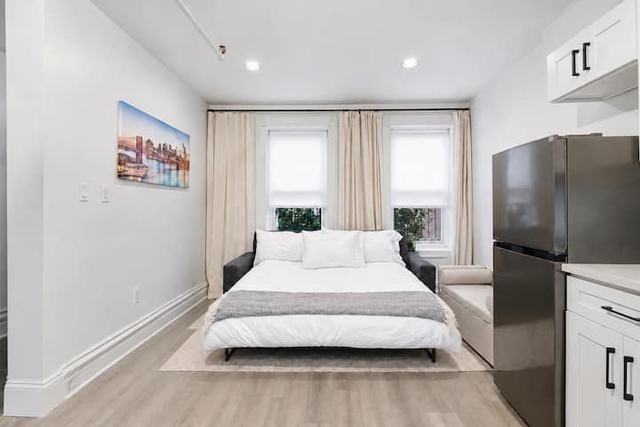
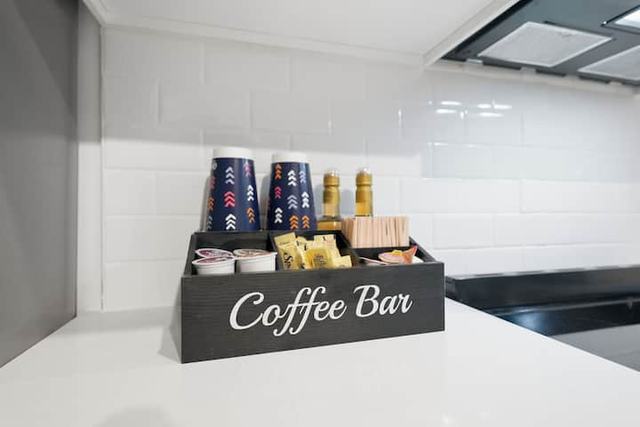
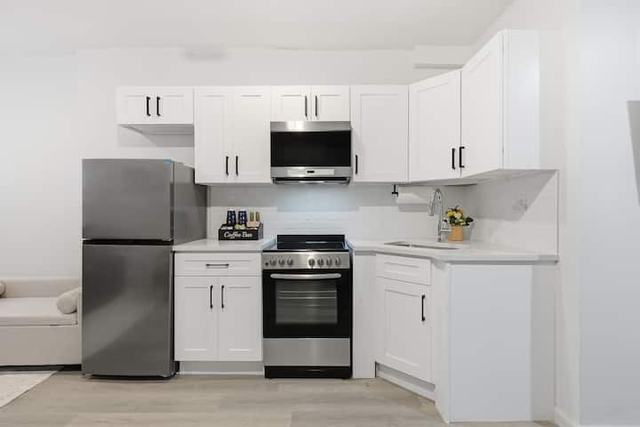
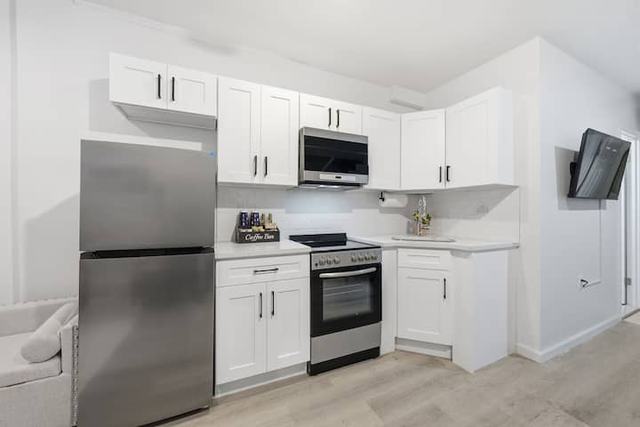
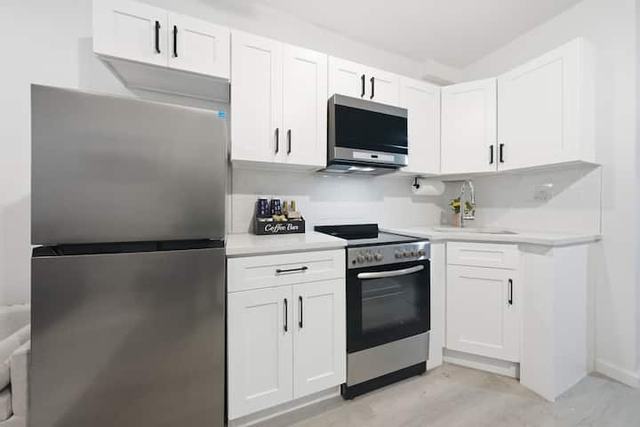
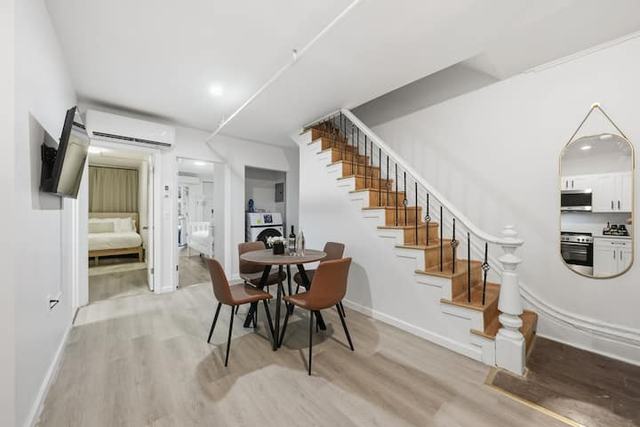
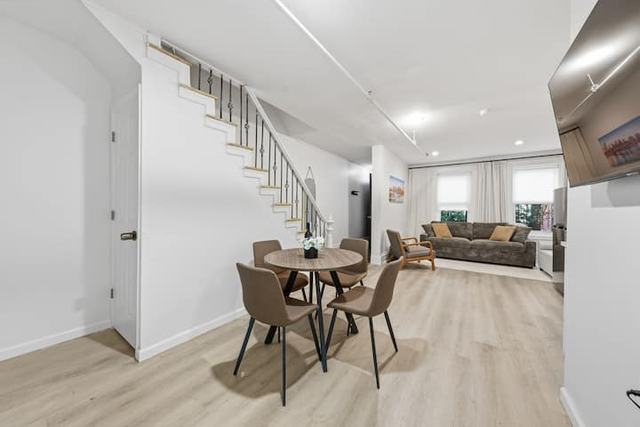
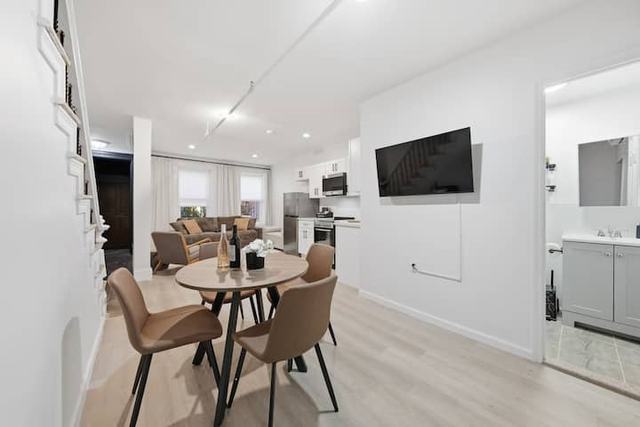
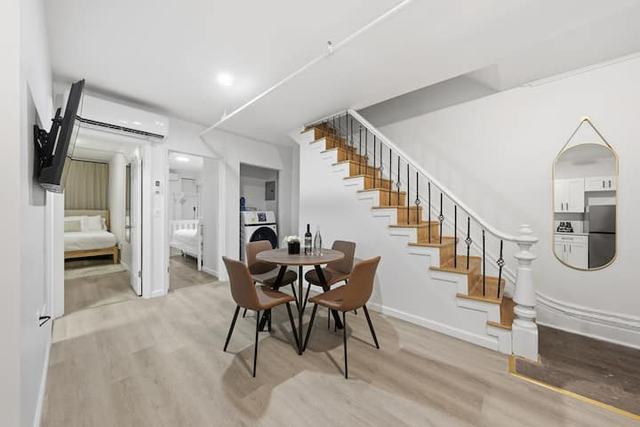
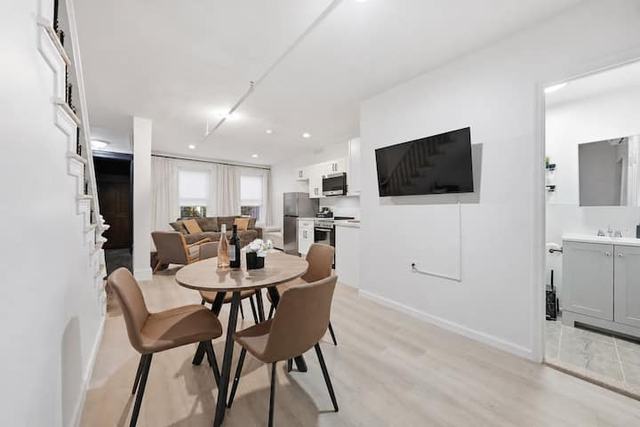
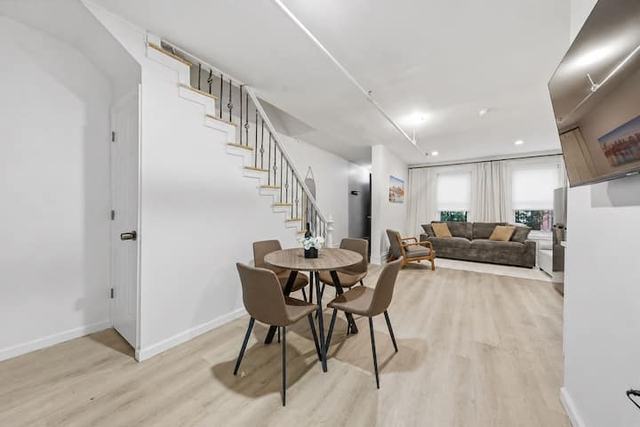
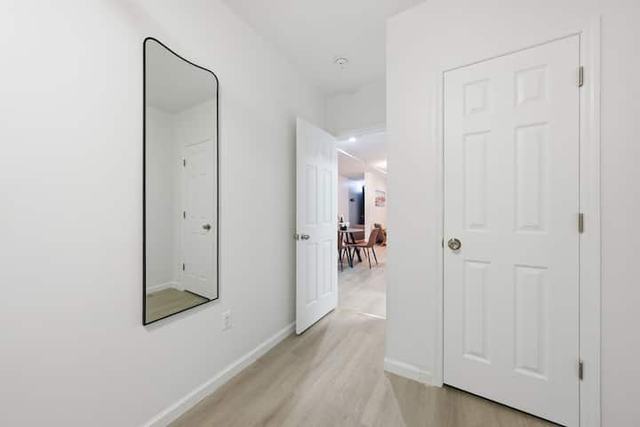
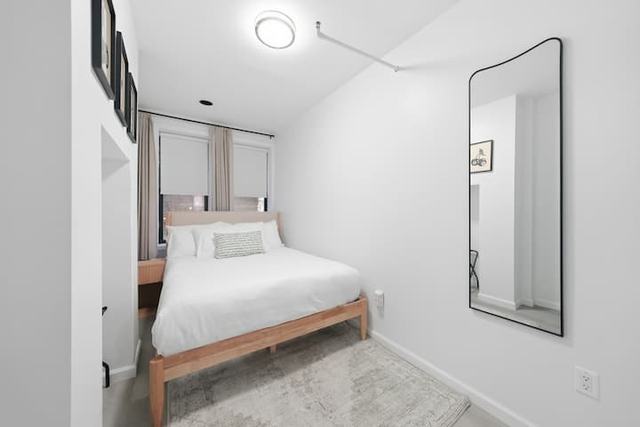
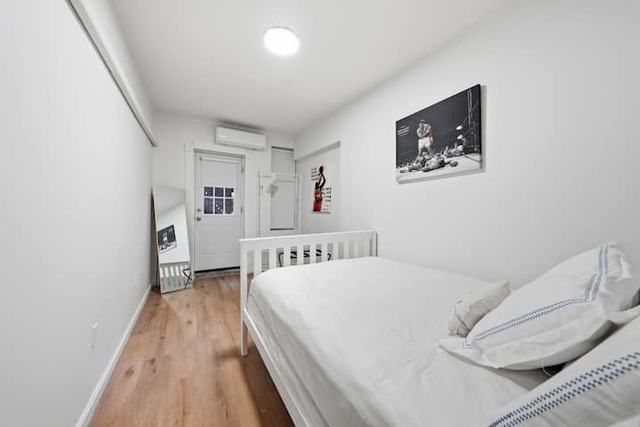
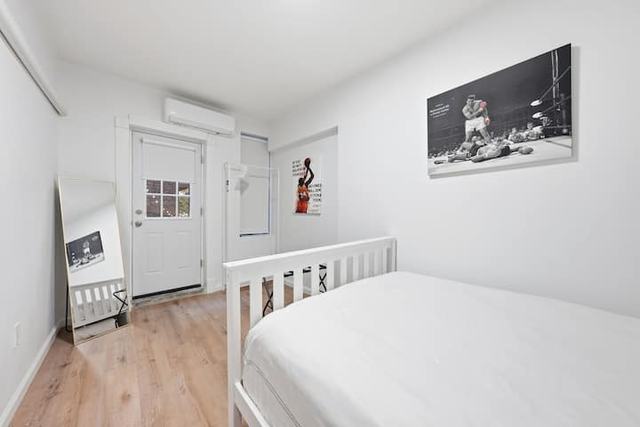
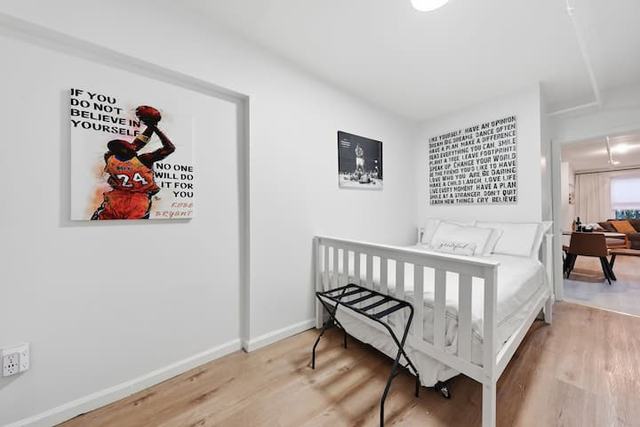
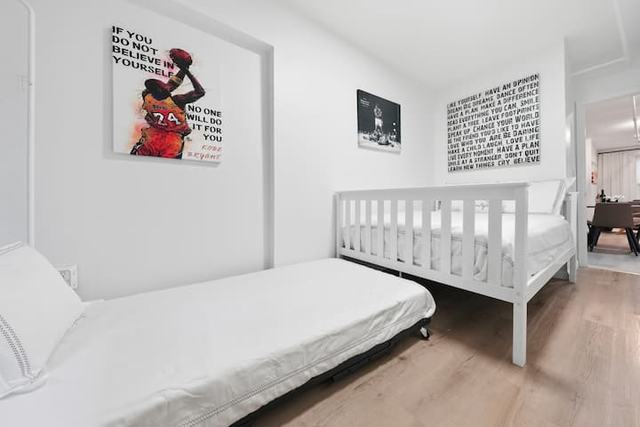
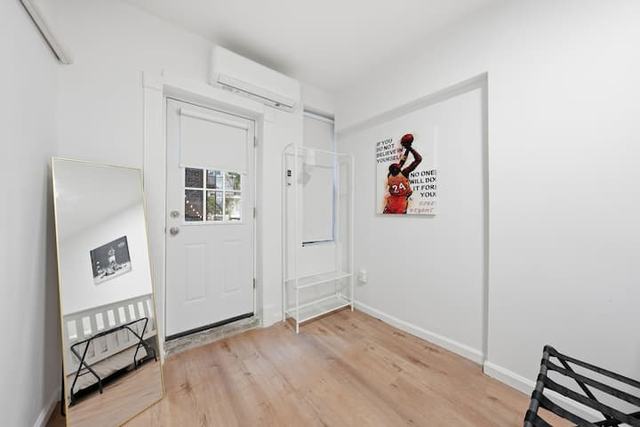
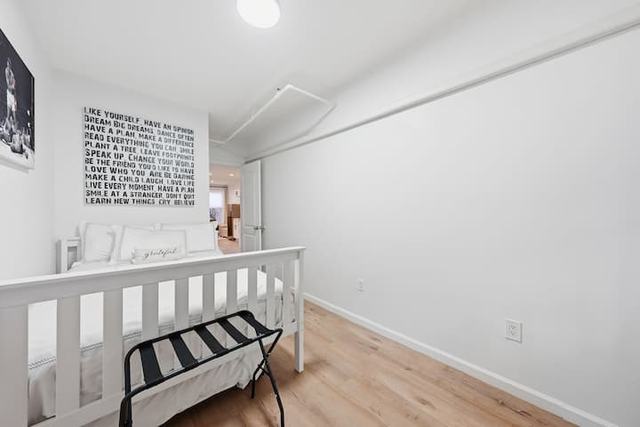
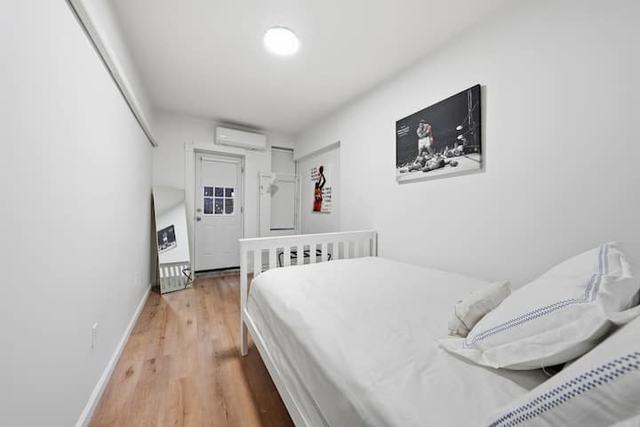
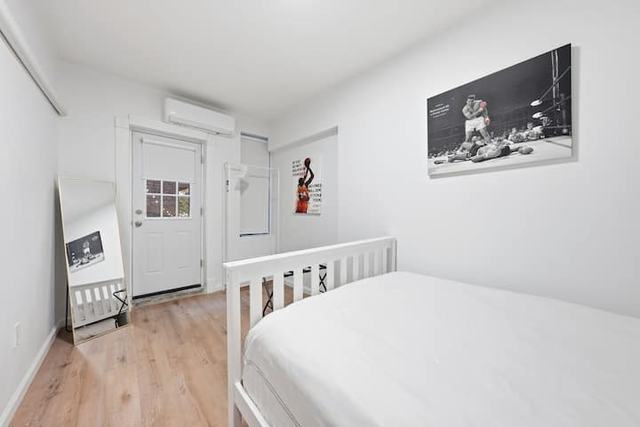
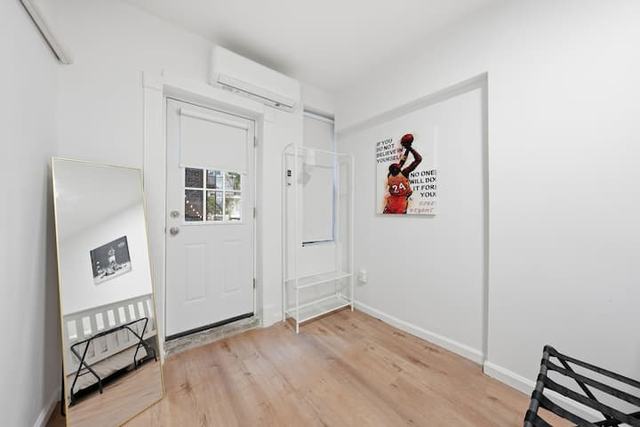
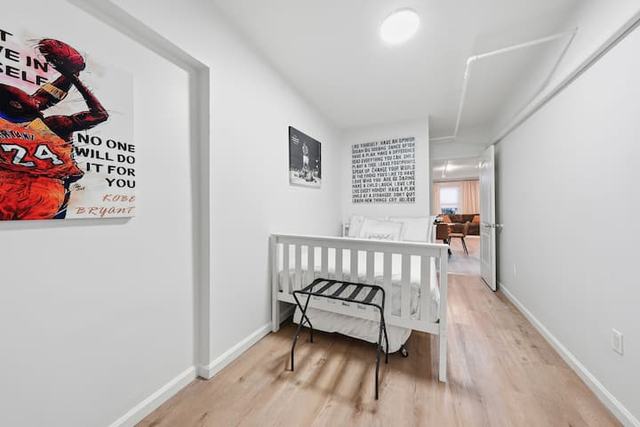
Each photo becomes a line of text.
Which room it is, what is in it, and what you can see through its doors. This is the actual list for the listing above. Scroll it.
- Living room6 photos01Grey sofa, armchair, two street windows. The kitchen runs along the right wall.In the video
- 02Same sofa from further left. Fridge and stove in view.
- 03Almost the same frame as the one before.Left out
- 04Sofa straight on, city print on the left wall.
- 05Taken from the hallway. Coffee bar on the counter.
- 06The sofa opened into a queen bed.
- Kitchen4 photos07Close-up of the coffee bar. No walls or floor to place it.Left out
- 08White cabinets, fridge, oven, microwave, the whole run.In the video
- 09From the left. Edge of a wall TV on the right.
- 10Close on the fridge and the range.
- Dining area7 photos11Round table for four under the stairs. An open door on the left shows a bed.In the video
- 12Table in front, sofa and street windows behind. Same space as the living room.
- 13TV wall. A doorway on the right shows a vanity.Used to find the way
- 14Same view as two photos back, tighter.
- 15Wide. Bathroom doorway on the right again.
- 16Looking back toward the sofa.
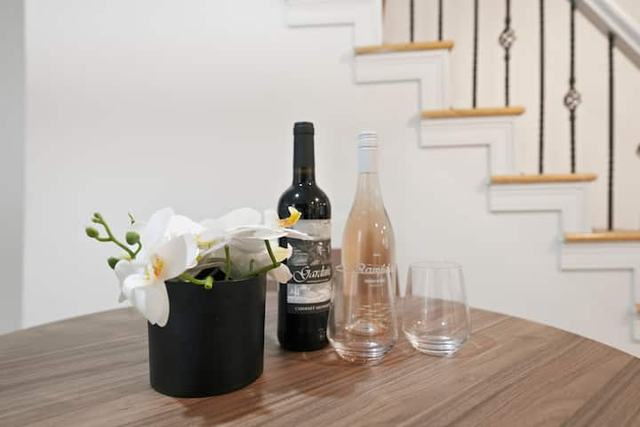
- 17Wine and glasses on the table. A detail shot.Left out
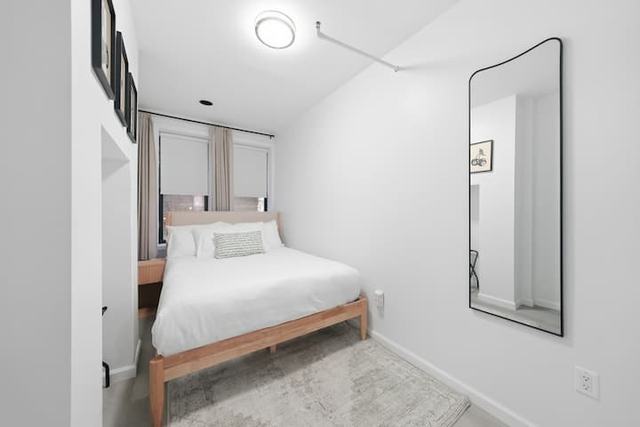
- Bedroom 15 photos18Queen bed, tall mirror on the right wall.
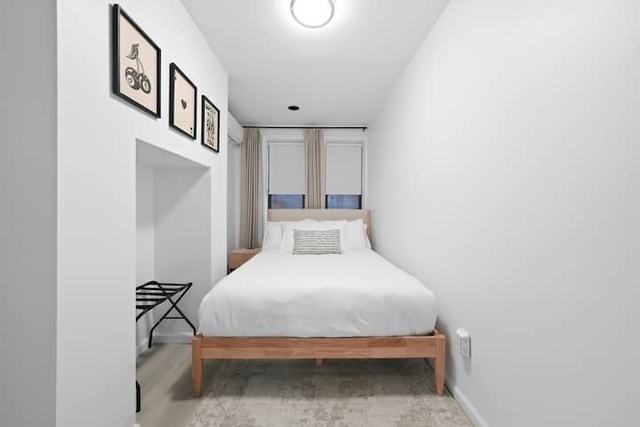
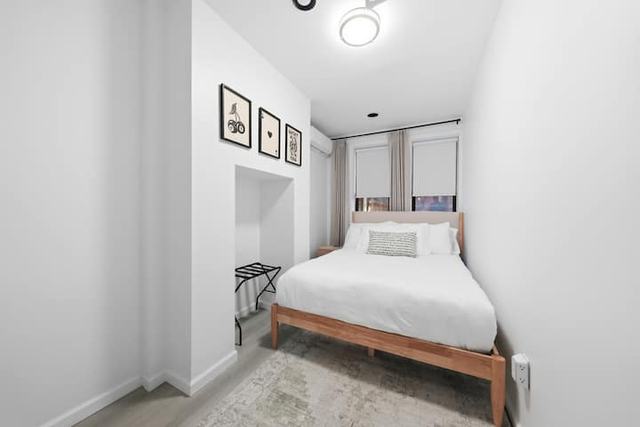
- 19Bed straight on, three framed prints, blinds down.In the video
- 20Luggage rack and a closet nook.
- 21Mirror, and an open door that shows dining chairs.
- 22Bed and mirror from the doorway.
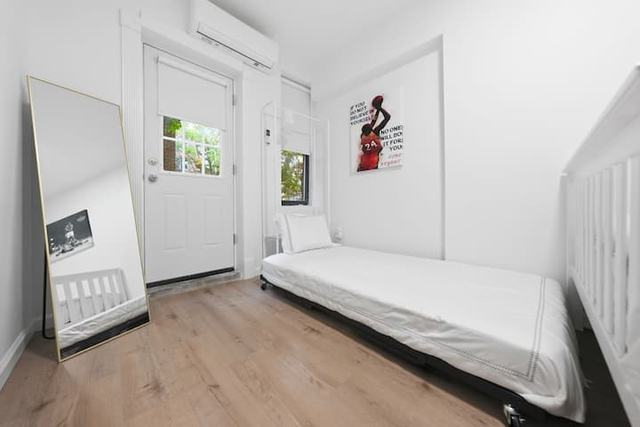
- Bedroom 212 photos23Two single beds. A door with a window at the far end.
- 24Floor mirror and the door to outside.
- 25White frame bed. A doorway on the right shows the dining table.
- 26Trundle bed pulled out.
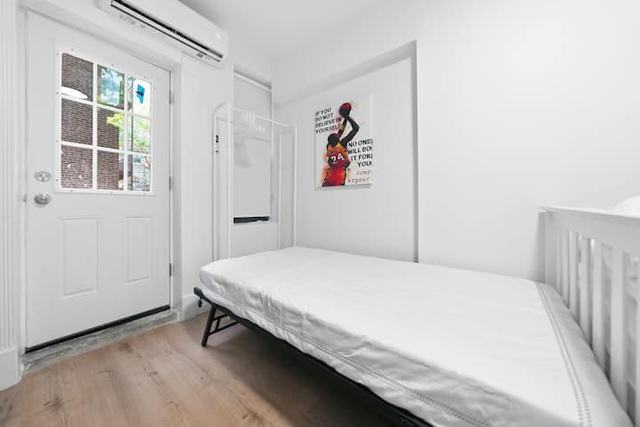
- 27The back door, air conditioner above it.
- 28Bed under the wall text.
- 29Long view to the back door.
- 30Almost the same frame as the one before.Left out
- 31Back door with glass panes. Daylight and brick behind it.In the video
- 32Luggage rack, doorway to the main room.
- 33Back door again, greenery through the glass.
- 34Close on the back door. A brick wall outside.
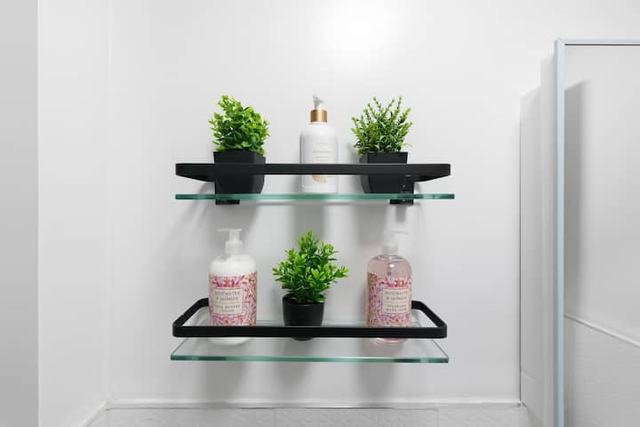
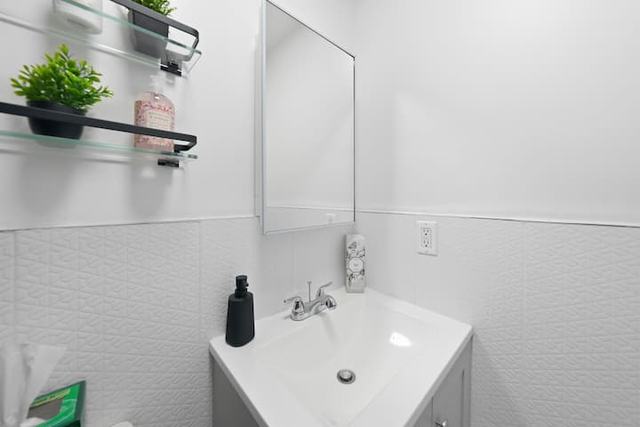
- Bathroom4 photos35Glass shelves with plants. A detail shot.Left out
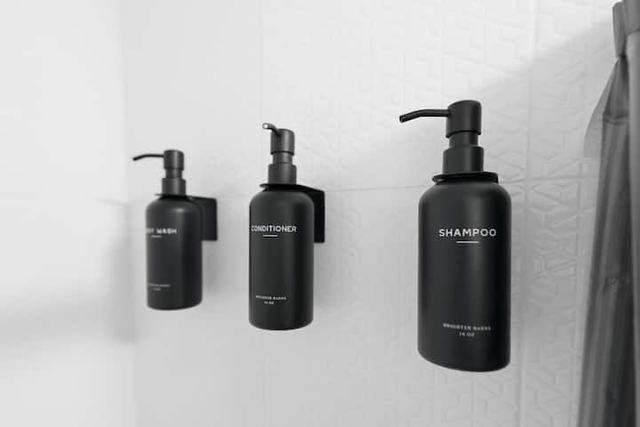
- 36Shampoo, conditioner and body soap on the wall.
- 37Sink and mirror.
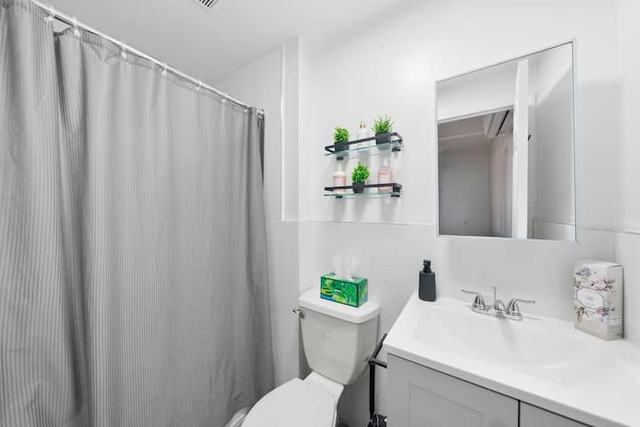
- 38Shower curtain, toilet, vanity. The whole room.In the video
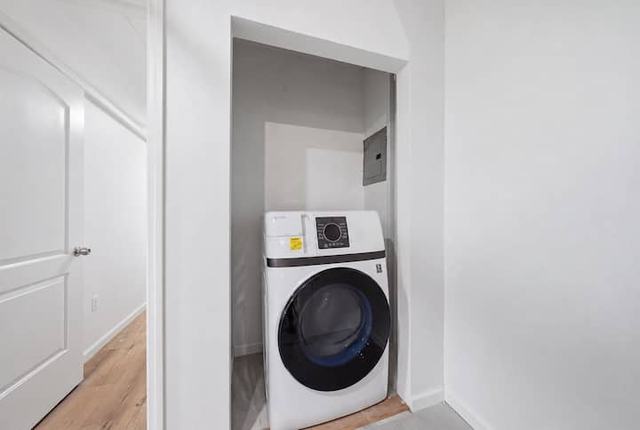
- Laundry1 photo39Washer in a closet.
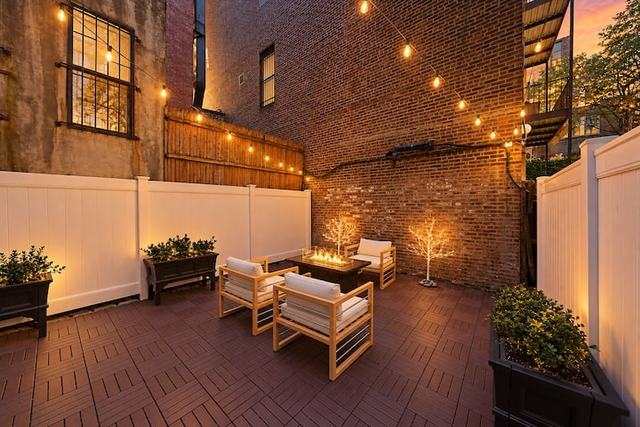
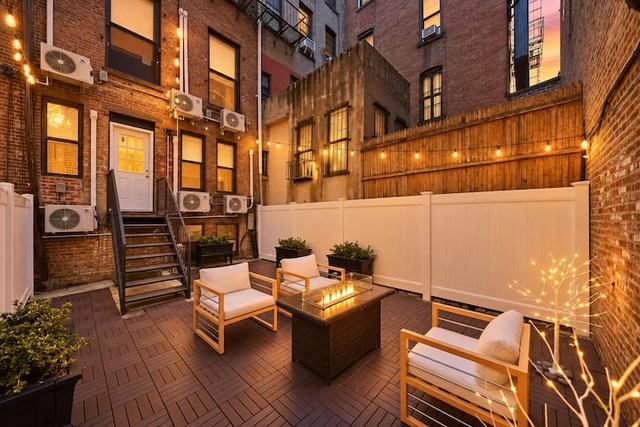
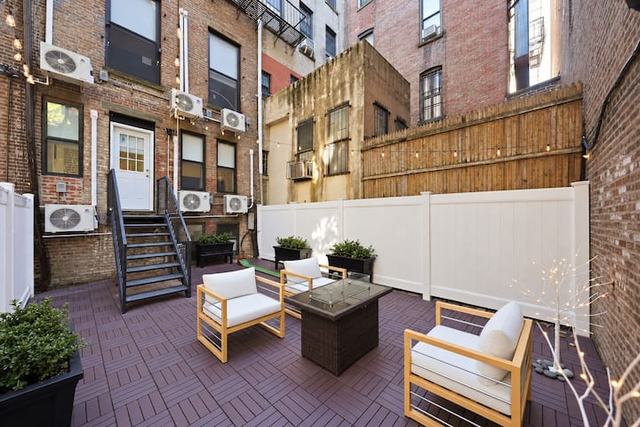
- Outside10 photos40Backyard at dusk. String lights, fire pit.
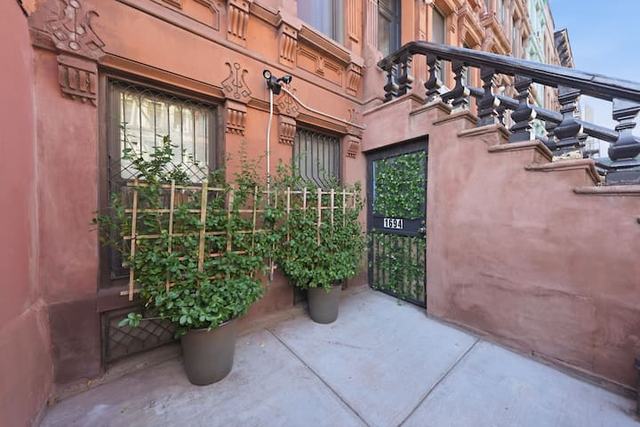
- 41Street front. Brownstone steps and a gate.
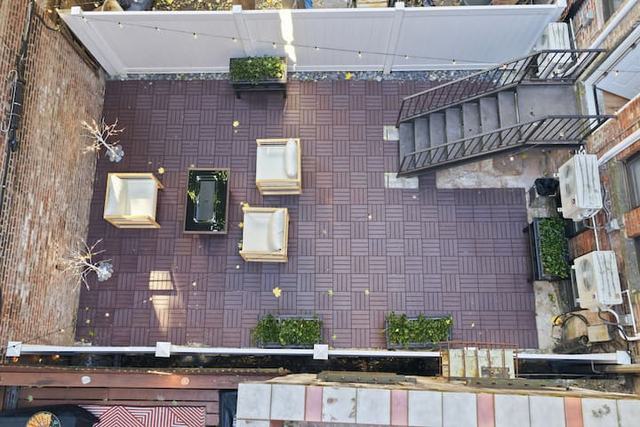
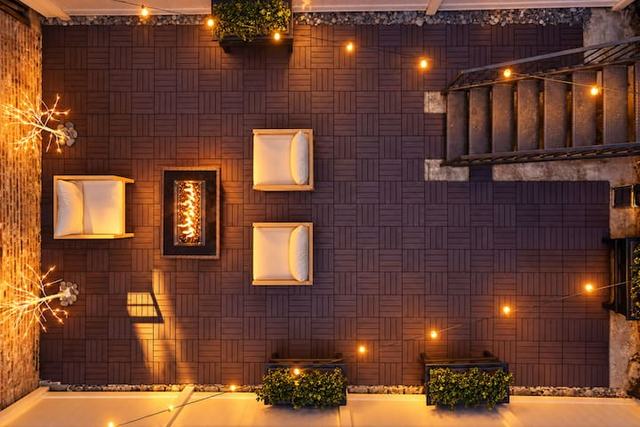
- 42Backyard from above, daytime.
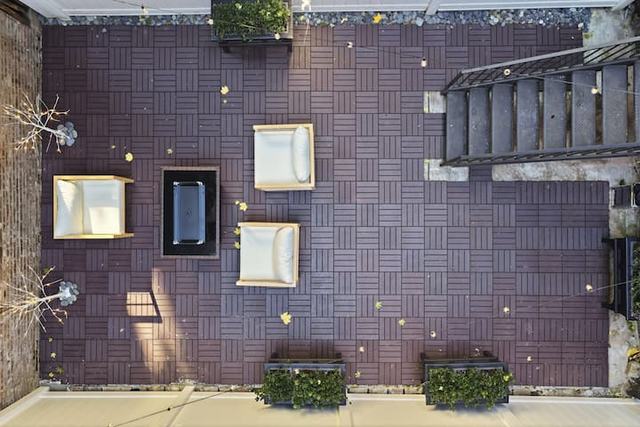
- 43Backyard, straight down.
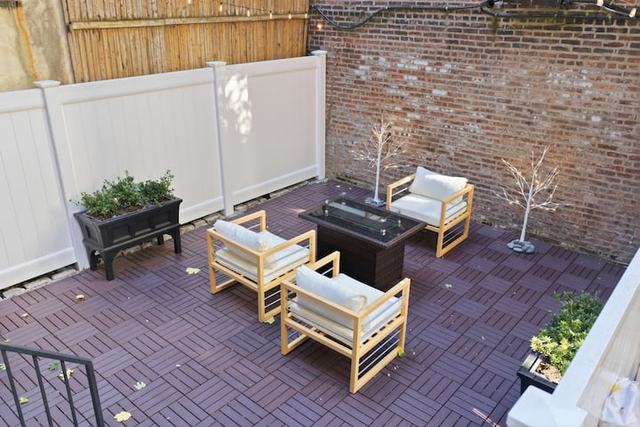
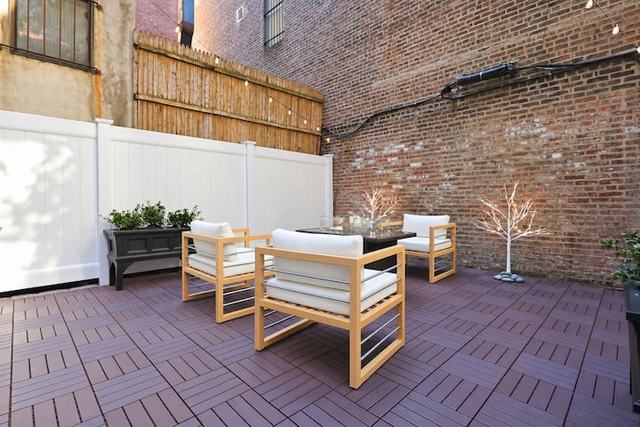
- 44Seating and a fire table by a white fence.
- 45Backyard from above at night.
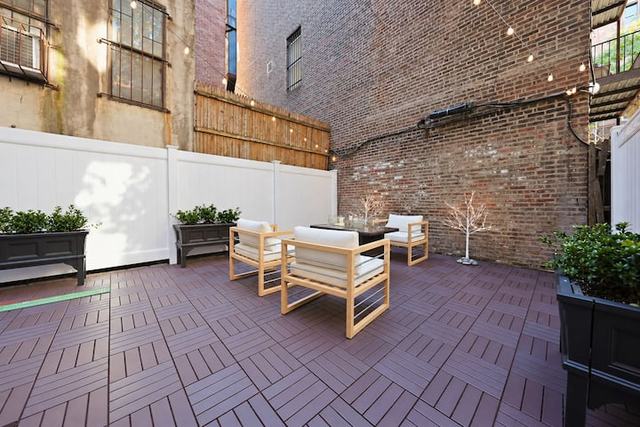
- 46Backyard, wide, brick wall behind.
- 47Backyard, wide. Seating, planters, the full fence.In the video
- 48Dusk, looking back at the house and its back stairs.
- 49Daytime, looking back at the house.
A glimpse in one photo is a room in another.
A bed seen through a doorway, a vanity past a door frame, brick behind a pane of glass. Roomwalk matches them, and that is how it learns the floor plan nobody gave it.
So the walk can only go where the home really goes.
- Living roomThe walk starts at the street windows.
- KitchenReached by: same open room as the sofa.
- Dining areaReached by: photo 12 shows it behind the sofa.
- Bedroom 1Reached by: the open door in photo 11.
- BathroomReached by: back through the dining area, doorway in photo 13.
- Bedroom 2Reached by: back through the dining area, doorway in photo 25.
- BackyardReached by: the glass door in photo 31.
Bedroom 1 and the bathroom have no photo that shows one from the other. So the camera does what a person would do: it walks back through the dining area, where both doors are visible.
The room on screen is the photo itself.
Roomwalk measures how far away every part of the picture is, then moves a camera through it. Nothing in the room is drawn by AI, so the sofa is the real sofa and the windows are where they are.
move your pointer over it, then scroll: you are the camera
Photo 01 from the listing, untouched. Only the camera moves.
Scroll to walk through the door.
The walk between two rooms is the one part an AI video model films. It is given the last frame of one room and the first frame of the next, and it has to get from one real photo to the other.
One take, living room to backyard.
- 49
- photos read
- 7
- rooms filmed
- 6
- walks between them
- 37s
- of video
The labels come from the listing’s own amenity list and sit on the thing they name. The voiceover is optional. So are the labels, if you want the plain walk.
From the sky
to your floor.
Drop an exact pin and type the floor. Roomwalk builds the city from open map data, flies a drone line from high above down to your window, and films it to look real, using your outside photo so the building looks like itself.
It needs an exact pin, so it suits hotels, homes for sale and buildings with a public address. Homes you rent out keep the neighbourhood circle unless you choose otherwise.
Map data © OpenStreetMap contributors · OpenFreeMap. Building look from a photo by ajay_suresh, CC BY 4.0. Austin, Texas, made by Roomwalk as a demo.
One upload.
The whole package.
Not only a walkthrough. Everything a listing needs to be marketed, made from the same photos, in one go. This is all from one hotel link.
- Spoken lines for every room
- Labels from the amenity list
- Cards for what has no photo
- A cover image
- Calm, Luxury or Lively style
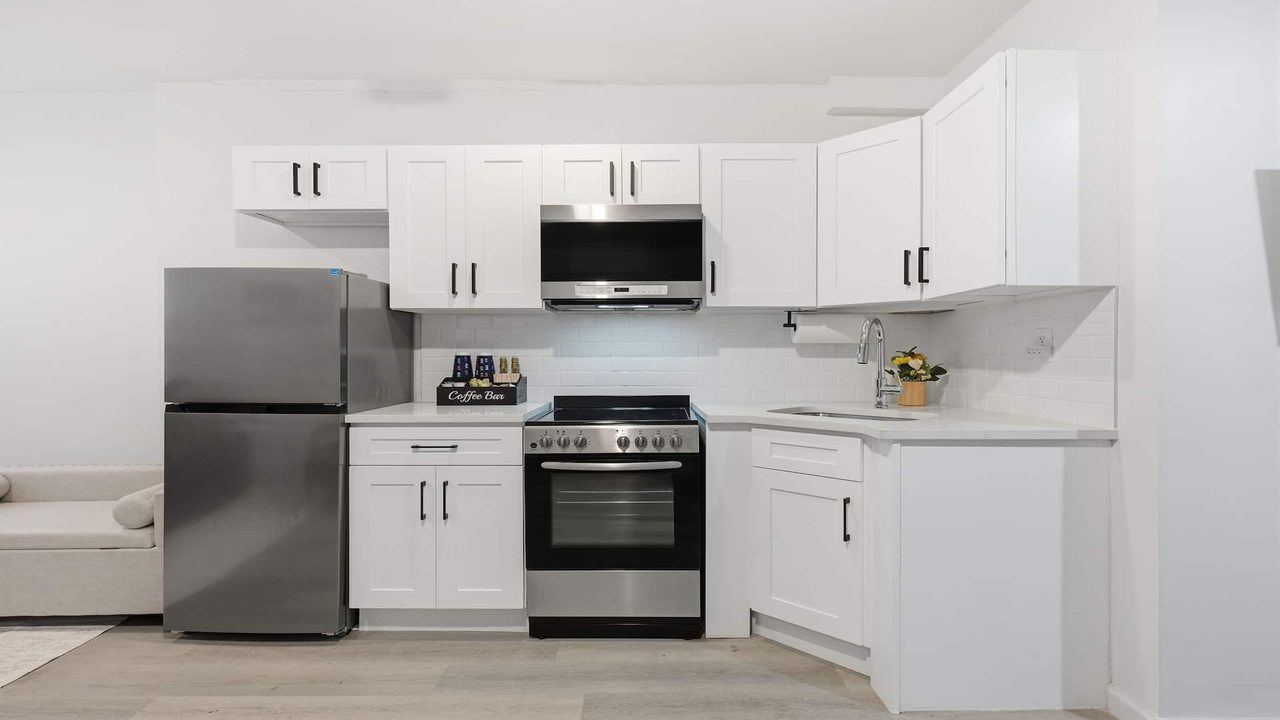 Fridge and freezerOven and electric cookerMicrowaveKeurig coffee bar
The kitchen in the demo video. 4 of 4 labels showing.
Automatic first. Yours to edit.
The video is ready to make without touching anything. If you do want a say, everything it found sits in one column. Try it:
start at the street windows, skip the laundry, end in the backyard
Also yours to change: room names and order, the spoken line for each room, and the shape of the video.
Anything with rooms.
Pay for the videos you make.
- 1 credit is $1. No points to convert in your head.
- Credits never expire.
- We never charge your card on our own to top you up.
- If a video fails, its credits come straight back.
- You see the exact price before you start, and nothing is charged until you press the button.
Room shots are full HD in both. The price covers a home of up to 8 rooms. A bigger home is 1 credit more per extra room on Economy and 2 on Standard, up to 20 rooms. You see the exact price before you start.
Fair questions.
Is the video really my property?
The room shots are your photos, moved through their own depth, so everything in them is real. The short walks between rooms are filmed by an AI video model that has to start on one of your photos and end on the next. Where your photos show the doorway, it follows it.
Is the fly-in real drone footage?
No drone flies. Roomwalk builds your area from open map data (OpenStreetMap buildings, their real heights and streets), flies a camera path from high above down to your floor, and an AI video model films that path to look real, using your outside photo for the building. The streets and buildings sit where they really are; the textures are drawn by the AI.
What do I need to give it?
A link to the listing, or the photos you already have. Ten or more photos works best, and it helps a lot if some of them show a doorway into the next room. No floor plan, no video, no special camera.
Which listing sites can it read?
Airbnb today. For a property listed anywhere else, or not listed yet, upload the photos and tick what it has. The rest is just as automatic.
Do I have to set anything up?
No. It puts the rooms in order and writes the labels on its own. If you want a say, you can switch amenities off, add notes, rename or reorder rooms before you make the video.
What about a big house?
It films up to 20 rooms in one continuous walk. Where a photo shows the stairs it walks up them; otherwise the camera turns to the next floor. The price covers 8 rooms and each extra room adds a credit or two. For ads you can ask for a highlights cut of the best 8 rooms.
Who is it for?
Estate agents, landlords, property managers, hotels and short-stay hosts. Anything with rooms and photos.
How long does it take?
A few minutes per room. You can close the tab. The finished video waits in your account.
How do I get the best video?
Give it more photos, from different angles. Wide shots of every room, and a few that look through a doorway into the next room. Those doorway shots are how it learns the way through the home.
What if a video fails?
If a video fails on our side, its credits come back on their own, straight away.
Whose photos can I use?
Photos you own or have permission to use. If you list the property, that is normally you.